All 9 CV templates
Every template uses real, selectable text (good for applicant tracking systems) and works in A4 or US Letter. Tap a template to open it in the builder.
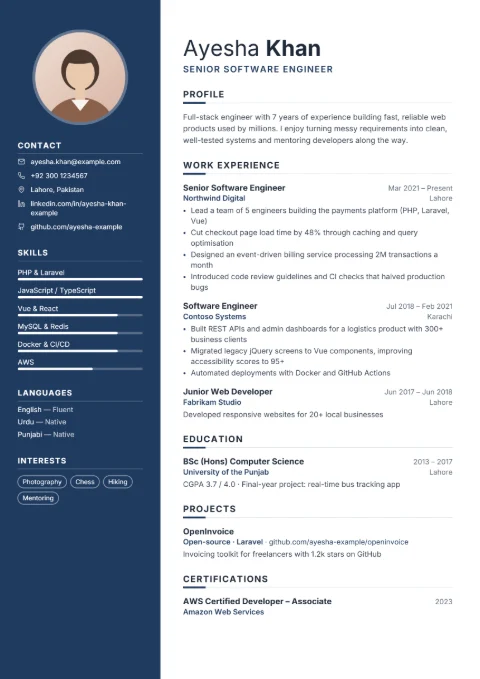
Modern
Best for private-sector and Gulf jobs: photo, colour sidebar and skill bars.
PhotoTwo columns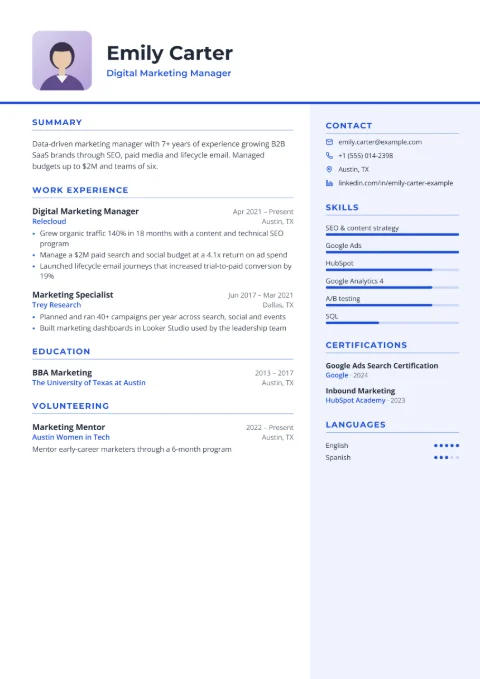
Professional
Best for banking, finance and corporate roles with certifications.
PhotoTwo columns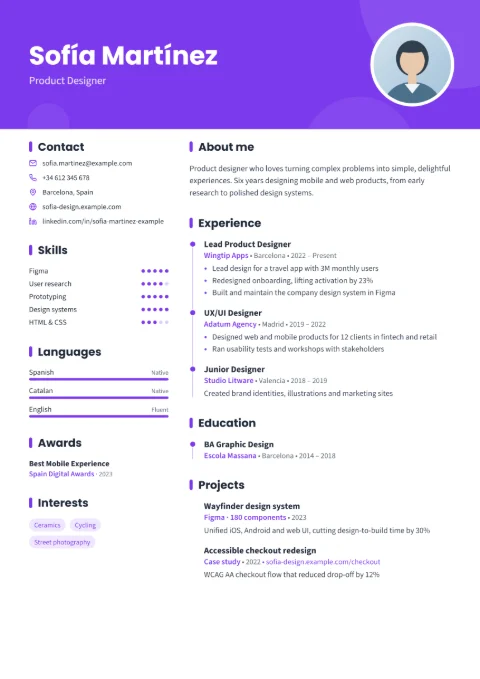
Creative
Best for design, marketing and media jobs where style counts.
PhotoTwo columns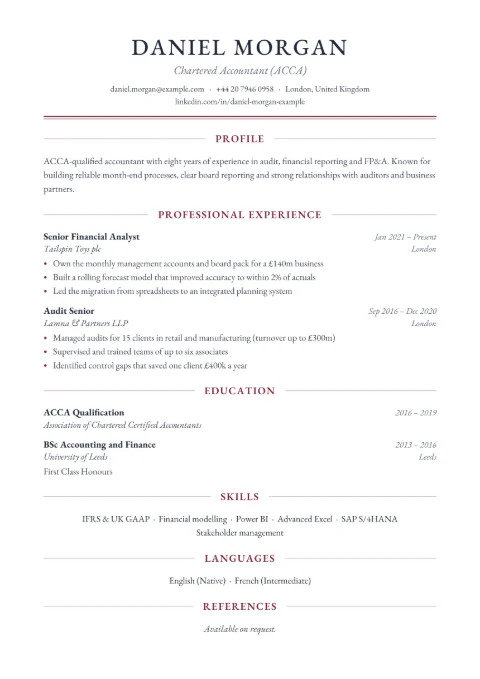
Classic
Best for teaching, government and traditional employers.
One columnNo photo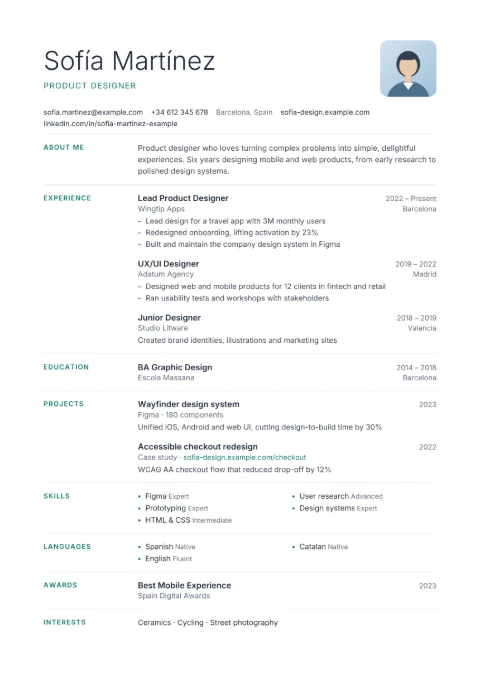
Minimal
Best for clean, airy CVs in any field; easy to read on a phone.
PhotoOne column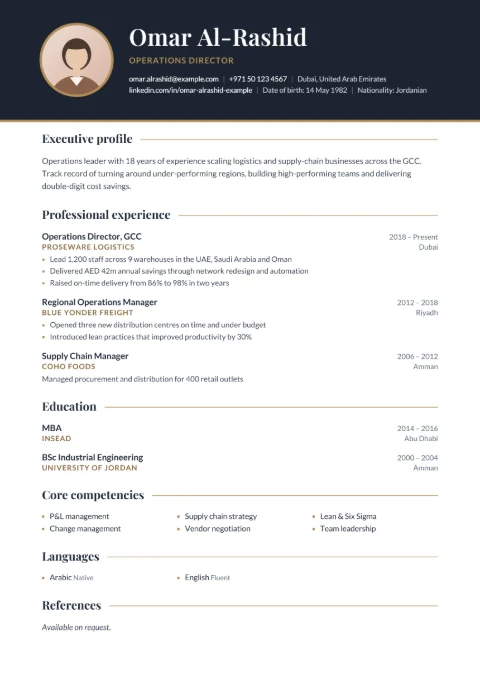
Executive
Best for managers and senior professionals with long experience.
PhotoOne column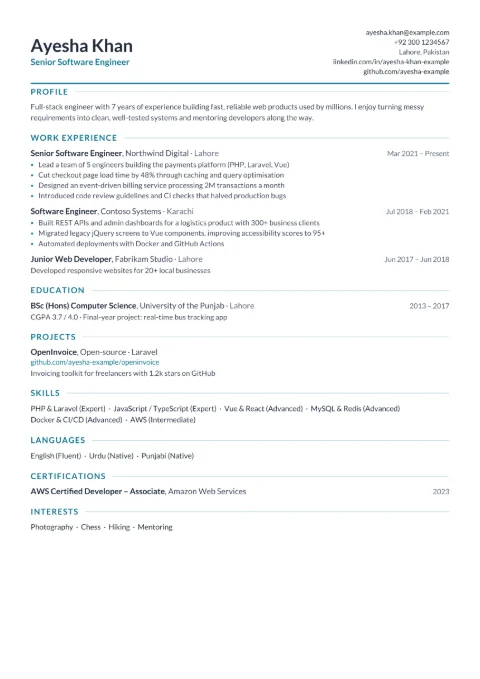
Compact
Best for freshers and anyone who needs everything on one page.
One pageOne column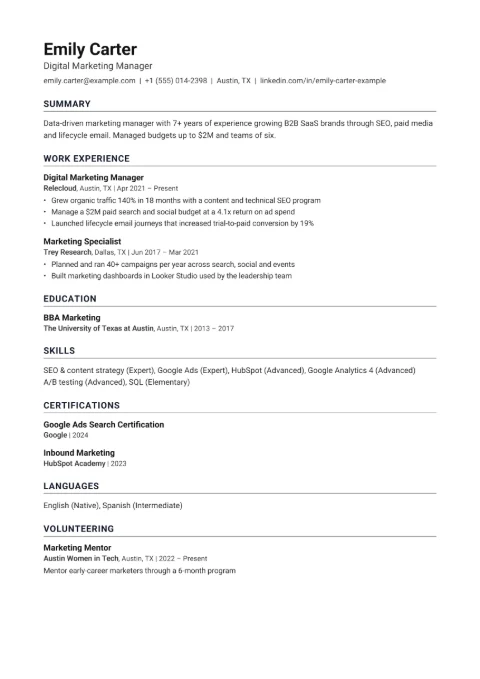
ATS-friendly
Best for online portals and large companies that screen CVs with software.
ATSOne column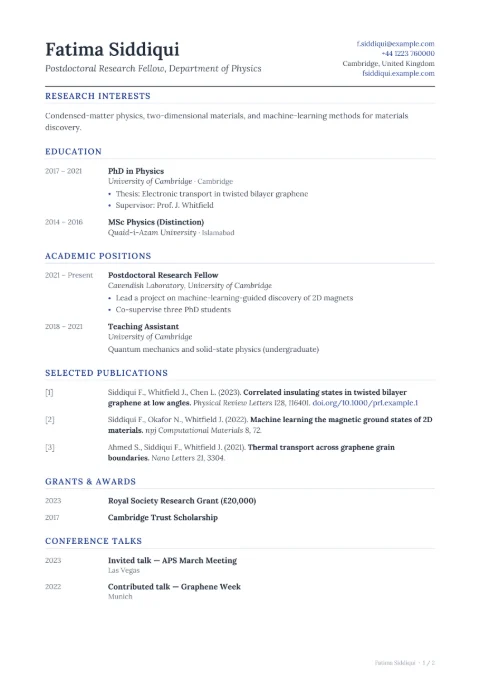
Academic CV
Best for PhD, scholarship, research and university teaching applications.
PublicationsOne column
Templates by need
- CV format for PakistanSections, photo and CNIC norms, and samples for freshers, professionals and government jobs.
- Freshers and studentsOne-page layouts that put education, internships and projects first.
- ATS-friendlyPlain, parser-safe CVs for job portals and large employers.
- One pageDense layouts and a “Fit to one page” button.
- With photoFor Pakistan, the Gulf and other markets where a photo is expected.
- TeachersSubjects, classes, B.Ed/M.Ed and results for school and college jobs.
- Academic and PhDPublications, conferences, grants and referees for scholarships.
Start from a sample for your job
These links open a template already filled with a realistic sample for a specific job, so you can see what good content looks like before you write your own. All sample people are fictional.
How to choose the right CV template
Photo or no photo?
Choose a photo template (Modern, Professional, Creative, Minimal or Executive) for jobs in Pakistan, the Gulf and other places where photos are normal. For the US, UK, Canada and Australia choose Classic, Compact or ATS-friendly — recruiters there generally prefer CVs without photos.
One page or two?
If you have less than about three years of experience, aim for one page; Compact is built for that. Experienced candidates can use any template over two pages. Academic CVs can run longer.
Applying through an online portal?
Large employers and job sites often parse CVs with software. Single-column templates parse most reliably, and the ATS-friendly template removes everything that can confuse a parser. All our templates export real text, but simpler is safer when you do not know which system the employer uses.
Not sure?
Pick any template — you can switch at any time and your content moves with you. Colours, fonts, spacing and paper size are in the Design tab.
Really free — not a free trial
Many resume sites let you build for free and then ask for payment at the download step, or only give you a plain-text file. Here the PDF download is free, with no watermark and no account. Your CV is stored in your own browser, not on our servers. If you sign in, higher daily limits apply to other tools; the CV builder itself stays free.