Every template below is a real PDF form, not a picture of one: the boxes are typeable text fields, the options are clickable checkboxes and radio buttons, and the lists are dropdowns. Anyone can fill it in with a free PDF reader on a computer or phone and save or print the result.
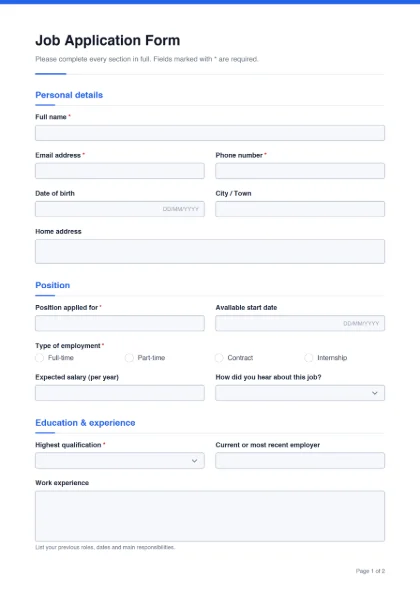
Job application form
Personal details, position, education, experience, references and a signed declaration.
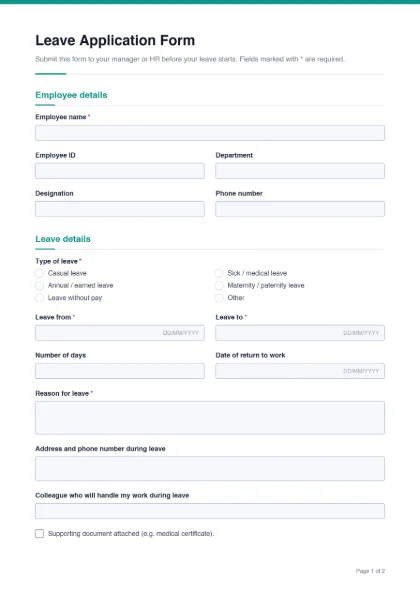
Leave application form
Leave type, dates, reason, handover and an office-use approval section.
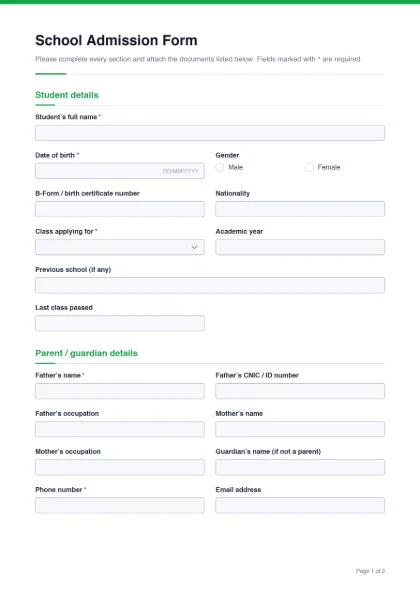
School admission form
Student and parent details, class applied for, health, documents checklist.
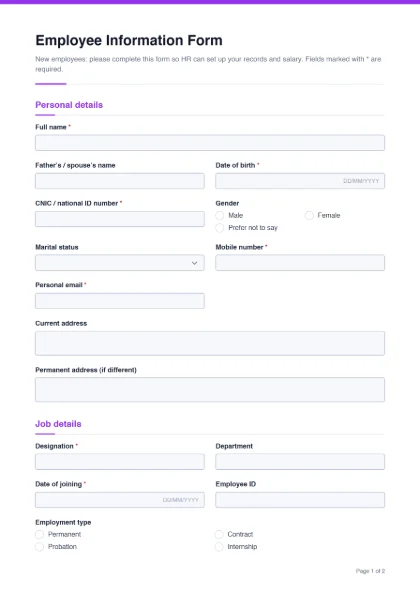
Employee information form
New-joiner personal, job, salary account and emergency contact details.
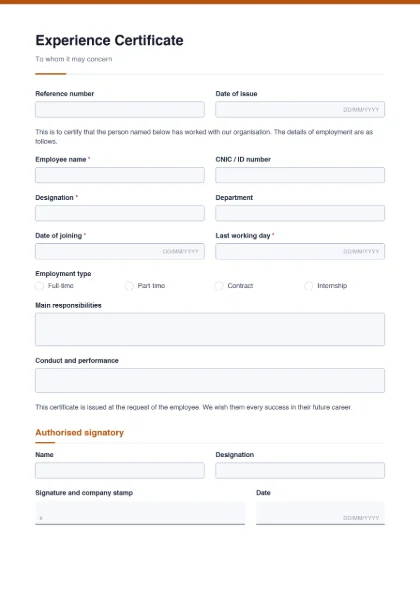
Experience certificate
A fillable “to whom it may concern” letter with dates, duties and signatory.
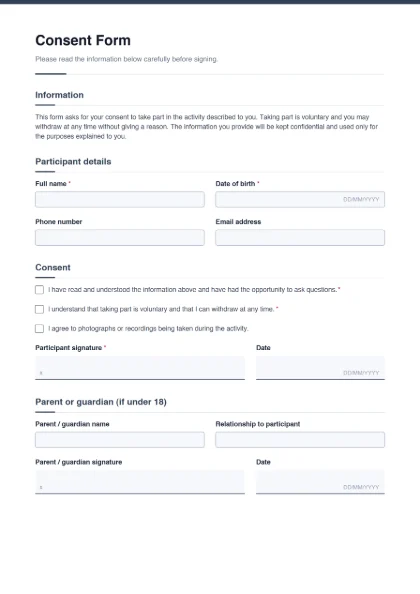
Consent form
Information text, consent tick boxes and participant and guardian signatures.
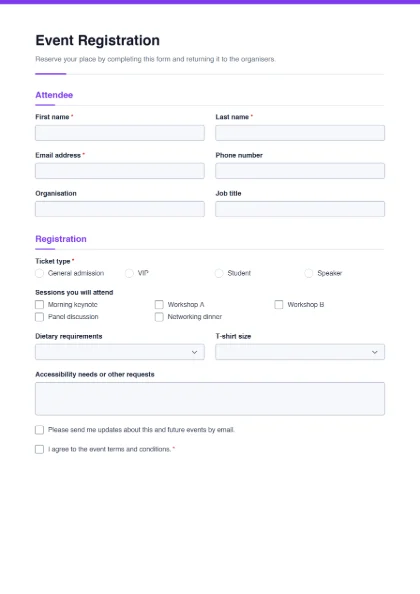
Registration form
Attendee details, ticket type, sessions, dietary needs and terms.
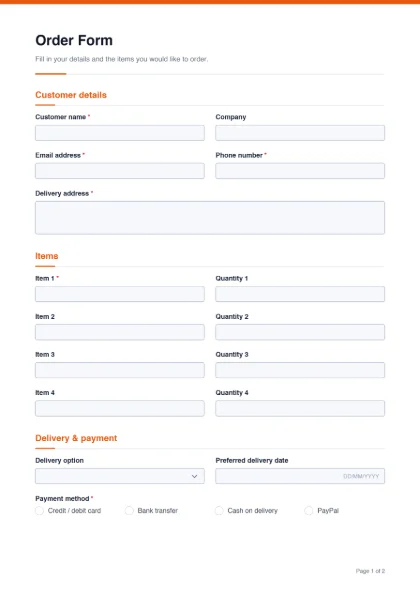
Order form
Customer details, four item lines with quantities, delivery and payment.
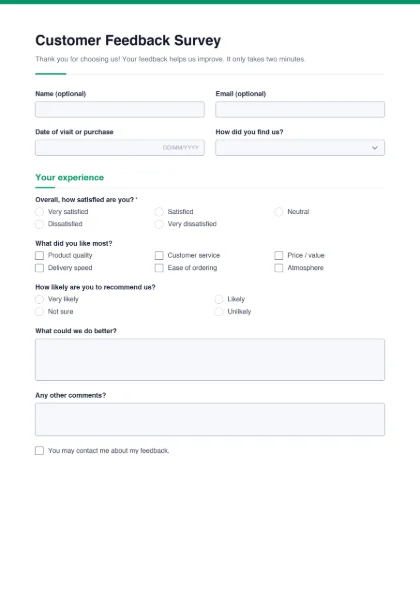
Customer feedback form
Satisfaction rating, what customers liked, suggestions and contact consent.
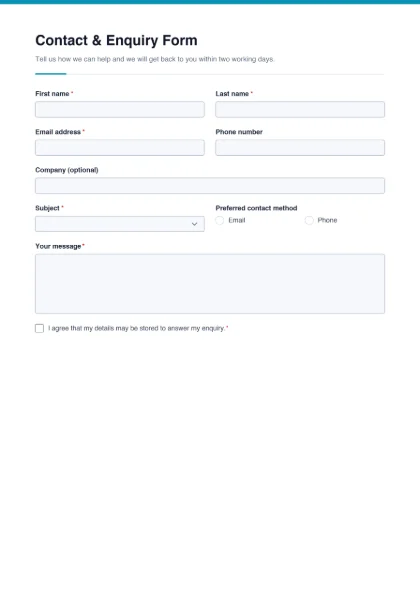
Contact & enquiry form
Name, contact details, subject, preferred contact method and message.
How the fillable templates work
When you click Download fillable PDF, the form is generated in your browser from the template and saved to your device. Nothing is uploaded, and you do not need an account. The PDF contains standard AcroForm fields, the same kind Adobe Acrobat creates, so it opens and fills in Adobe Acrobat Reader, Chrome, Edge, Firefox, macOS Preview and most phone PDF apps.
Click Customize instead and the template opens in the Create PDF Form builder. There you can:
- change the form title, the intro text and the footer;
- upload your organisation’s logo and pick an accent colour and font;
- add text boxes, date fields, checkboxes, radio buttons, dropdowns, signature lines, headings and paragraphs;
- delete fields you do not need, mark fields as required, and put two short fields side by side;
- switch between A4 and US Letter paper.
Your work is saved on this device as you go, so you can close the tab and continue later.
Printable or fillable — which do you need?
The same PDF does both. If people will fill the form on a computer or phone, send them the PDF and they type straight into the boxes. If you need paper copies — a school admission counter, a clinic reception, an office notice board — print the blank PDF: the fields print as clean boxes and lines that are easy to write in by hand.
| Use | What to do |
|---|
| Email or WhatsApp | Send the fillable PDF; ask people to fill, save and send it back. |
| Website download | Upload the PDF to your site and link to it from a “Forms” page. |
| Paper forms | Print the blank PDF on A4; photocopy as many as you need. |
| Signed forms | Have the person sign the completed PDF with Sign PDF, or request an e-signature. |
Honest limit: these are PDF forms, not online surveys. Answers are saved inside each person’s copy of the PDF — they are not collected into a dashboard. People send the filled PDF back to you.
Collecting signatures
Several templates (job application, leave application, admission, employee information, consent, experience certificate) include signature lines. A person can sign the filled form with Sign PDF by drawing, typing or uploading a signature. If you need someone else to sign and want a record of who signed and when, use the e-signature request option, which emails the signer a link and adds an audit trail to the finished document.
If you received a PDF form that is not fillable, you can still type on it with Fill PDF. If your form is a Word file, convert it with Word to PDF first. To combine a filled form with supporting documents (CNIC copy, certificates), use Merge PDF, and if a portal has a size limit, shrink the result with Compress PDF.
Need something none of the templates cover? Start from a blank form in the builder — the step-by-step guide how to make a fillable PDF for free walks through it.